Creating a home office that balances coziness with functionality can greatly enhance your work-from-home experience. Whether you have a dedicated room or a small corner, a well-designed workspace can boost productivity and make your daily tasks more enjoyable. Here are some practical tips to help you create a home office that feels both inviting and efficient.
Choose the Right Location
Assess Your Space Needs
The first step is to select a spot that suits your work style. Consider areas with natural light, minimal distractions, and enough room for your essential equipment. If possible, choose a space separate from your living areas to help maintain focus.
Consider Privacy and Noise Levels
Think about your privacy and noise control. If your home is busy or loud, a quieter corner or a room with a door might work best. You can also use noise-cancelling headphones or soundproofing solutions if needed.
Prioritize Comfortable and Ergonomic Furniture
Invest in a Good Chair
Comfort is key in preventing fatigue. Choose an ergonomic chair with adjustable height, back support, and comfortable cushioning to keep you comfortable during long work hours.
Select a Suitable Desk
Your desk should provide enough surface area for your computer, notes, and other tools. Adjustable desks that allow you to sit or stand can offer flexibility and promote better posture.
Optimize Lighting
Maximize Natural Light
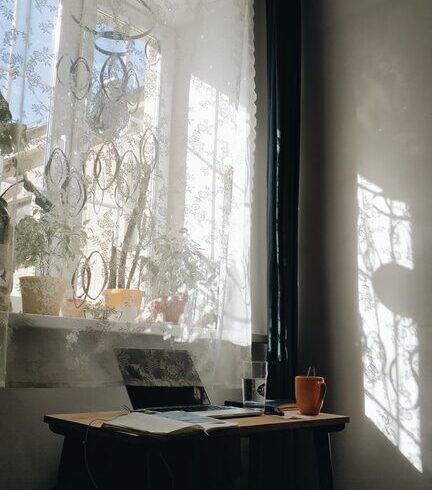
Natural light can improve mood and reduce eye strain. Position your desk near windows but avoid glare on your screen by using sheer curtains or blinds.
Add Task and Ambient Lighting
Use desk lamps with adjustable brightness for focused tasks and add ambient lighting such as floor lamps or wall sconces to make the space feel warm and inviting.
Organize Efficiently
Use Storage Solutions
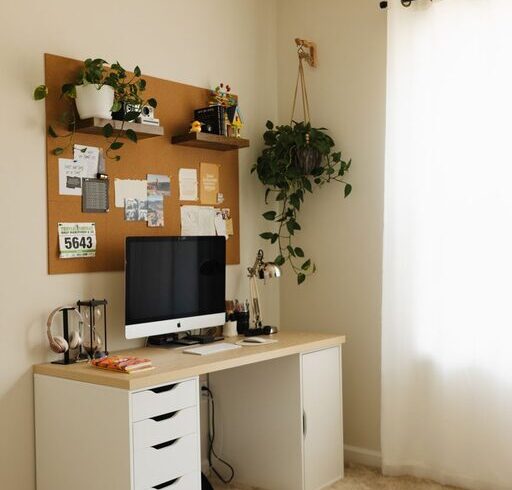
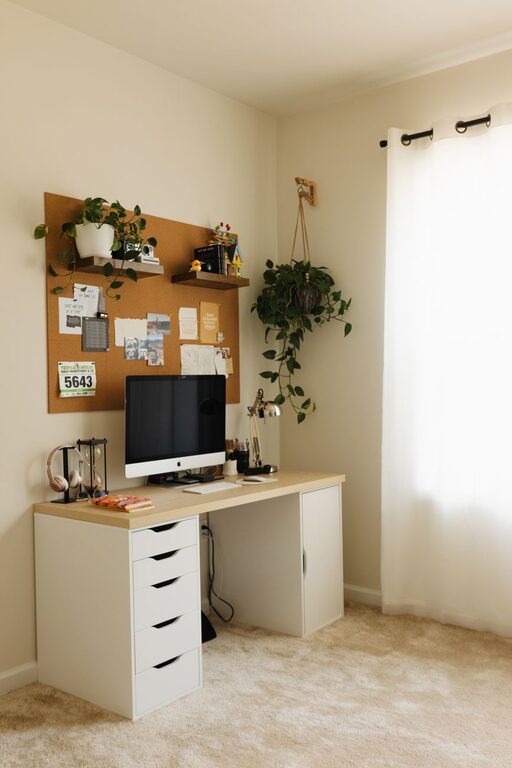
Declutter your workspace with functional storage options like shelves, filing cabinets, or drawer organizers. Keeping essentials within reach helps maintain focus.
Cable Management
Tidy up your electronics with cable organizers, clips, or sleeves to prevent tangling and keep the area neat.
Personalize Your Space
Add Comfort Elements
Incorporate soft textures through rugs, cushions, or throws to make the office feel cozy. A comfortable environment can increase your motivation.
Display Inspiring and Calming Items
Surround yourself with items that inspire you, such as artwork, plants, or framed photos. Plants, in particular, improve air quality and add a touch of nature.
Maintain a Healthy Routine
Take Breaks and Move Around
No matter how perfect your setup is, standing and stretching periodically prevents stiffness and boosts energy.
Keep Hydrated and Snack Smartly
Having water nearby encourages regular hydration. Healthy snacks can sustain your energy without causing a sugar crash.
Utilize Technology Wisely
Choose the Right Equipment
Ensure your computer, monitor, and peripherals meet your work needs. Dual monitors or a larger screen might increase efficiency if your tasks require it.
Use Productivity Tools
Software for task management, time tracking, or communication can help you stay organized and collaborate effectively.
Keep It Flexible
Prepare for Multiple Uses
If your home office doubles as a guest room or creative space, consider furniture that can be easily rearranged or stowed away.
Adapt to Changing Needs
Your work habits might evolve; allow room in your design to adjust lighting, layout, or storage as needed.
—
A cozy and functional home office fosters productivity and well-being. By carefully selecting your space, furniture, lighting, and organization methods, you can create a workspace that fits your unique preferences and helps you feel comfortable and efficient every day.